





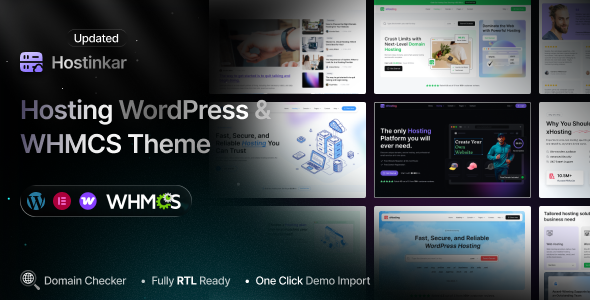
Hostinkar – Hosting WordPress & WHMCS Theme is a modern, high-performance solution built for web hosting companies, domain registrars, cloud service providers, and technology businesses. Designed with speed, flexibility, and conversion in mind, it combines a sleek, professional design with powerful functionality to help you showcase your services and grow your business.
With full WHMCS integration, you can seamlessly manage hosting plans, domain search, client accounts, and billing – all in one place. The theme is powered by Elementor for easy drag-and-drop customization, allowing you to create unique layouts without touching code.
Hostinkar WordPress Theme Features
Cross-Browser Compatibility: Chrome, Safari, Firefox, Edge, Opera
04 Different Demo Pages (New demos will be added every week)
Upload Author Custom Avatar
SVG Uploader
AJAX Domain Checker
Multi-Language (WPML) Support
Child Theme Included
Pagination
Built Based on Bootstrap v5.x
Built with HTML5 & CSS3
Clean and Modern Design
Elementor Page Builder
Fully RTL Ready
One-Click Demo Content Import
Powerful Theme Options with Codestar Framework
Lightweight & Easy Theme Options
Multiple Home Variations
Different Category and Post Layout Variations
100+ Elementor Custom Widgets
Translation Ready
Fully Responsive Theme
Easily Customizable
One-Click Demo Content Import
404 Error Page
No Coding Required
Sticky Header
FontAwesome 5 Pro Icons
Mailchimp Integration
Contact Form 7
Manual XML Importer
Google Web Fonts
Detailed Documentation
User-Friendly & Easy to Customize
Retina Display Ready
SEO Optimized
Quick Support
Detailed Documentation
What's New in Version 1.0.3
Released
No changelog available for this version.
Join the conversation
You can post now and register later. If you have an account, sign in now to post with your account.